The MDRAP system allows each user with a valid account to reset the password automatically.
Always use the email address used when registering for MDRAP access to gain access to your account. To reset your password:
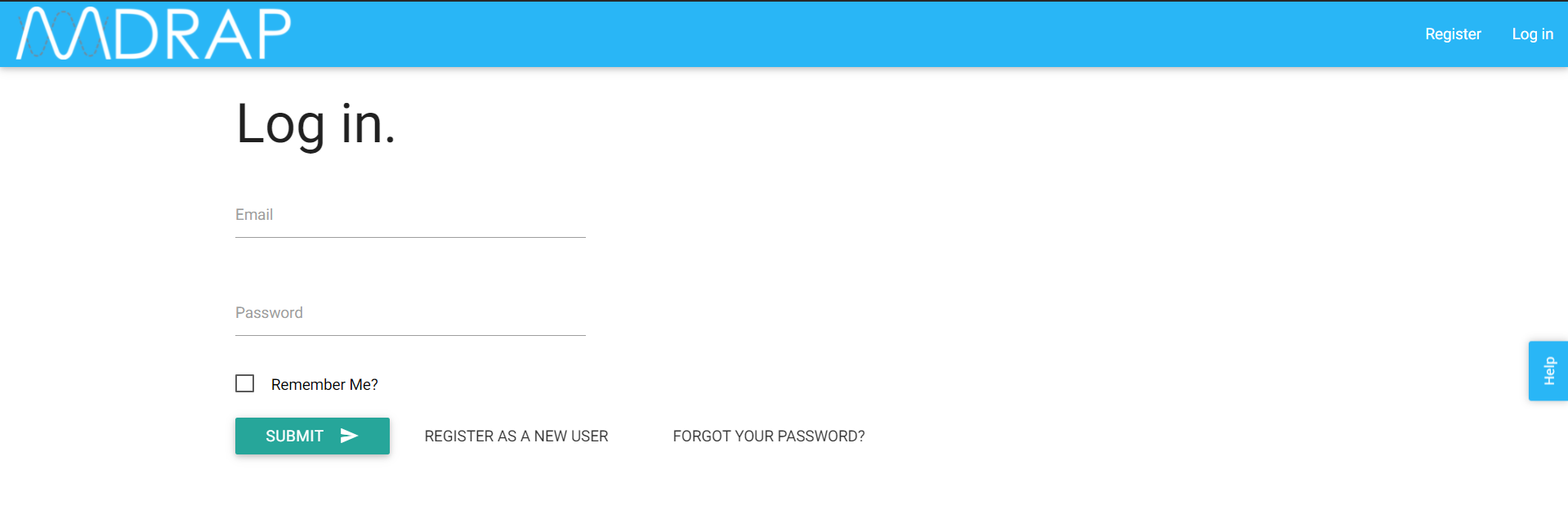
1. From the MDRAP Login page, click on Forgot Your Password?
The system will display the following message:
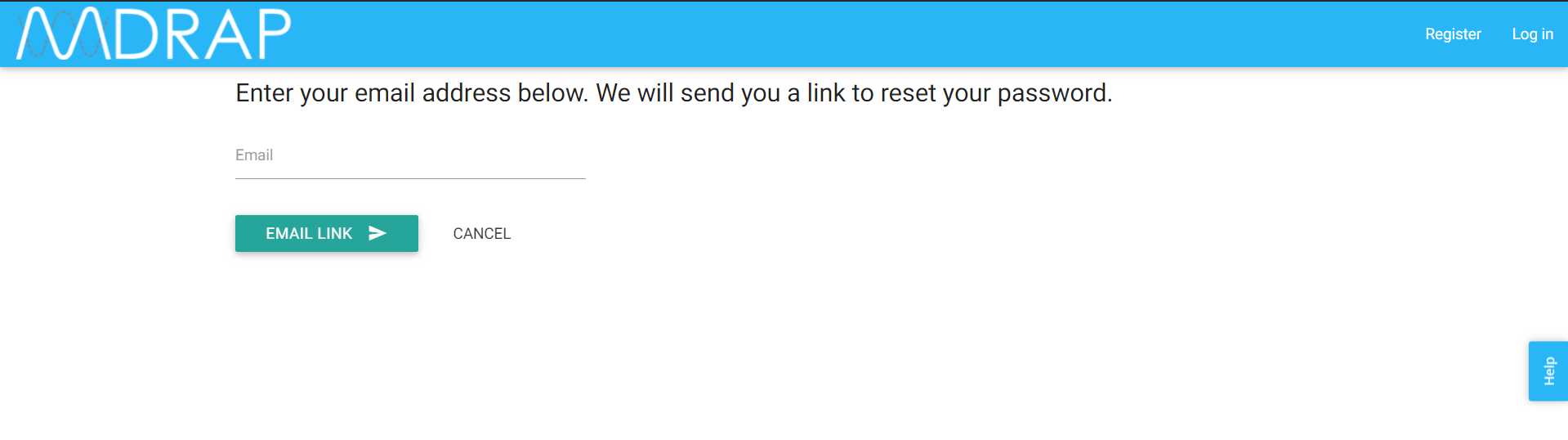
2. Enter your Email address.
3. Click Email Link. The system automatically sends a email message to your email address with a link to reset your password.
4. Check your email inbox. [The same email used to register for MDRAP]
5. Click the reset link embedded that email.
6. Enter a new Password, then enter Confirm Password.
7. Click Save.
Still need help? Contact MDRAP Support via email: MDRAP@mdiss.org.
0 Comments