When registering as a new user to MDRAP, On entering an email address, the suggested organization associated with the email domain will auto-populate, if one exists. If your organization does not appear once your email address is entered, the system provides the ability to Add the Organization and associated details.
-
Fill in all required fields of the register page and click on the Add New Organization button.
Note: To see more details about other required fields to get register please refer to the article “Register with an existing Organization”
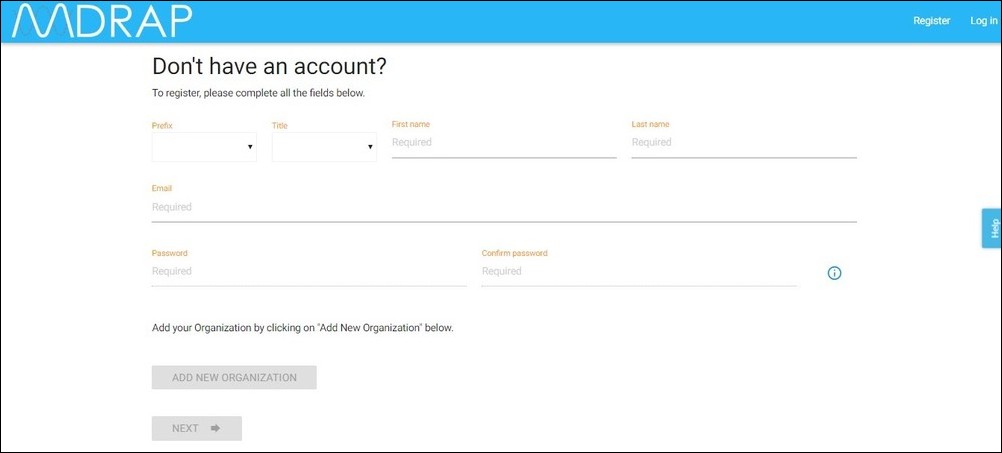
2. The Add New Organization pop up appears.
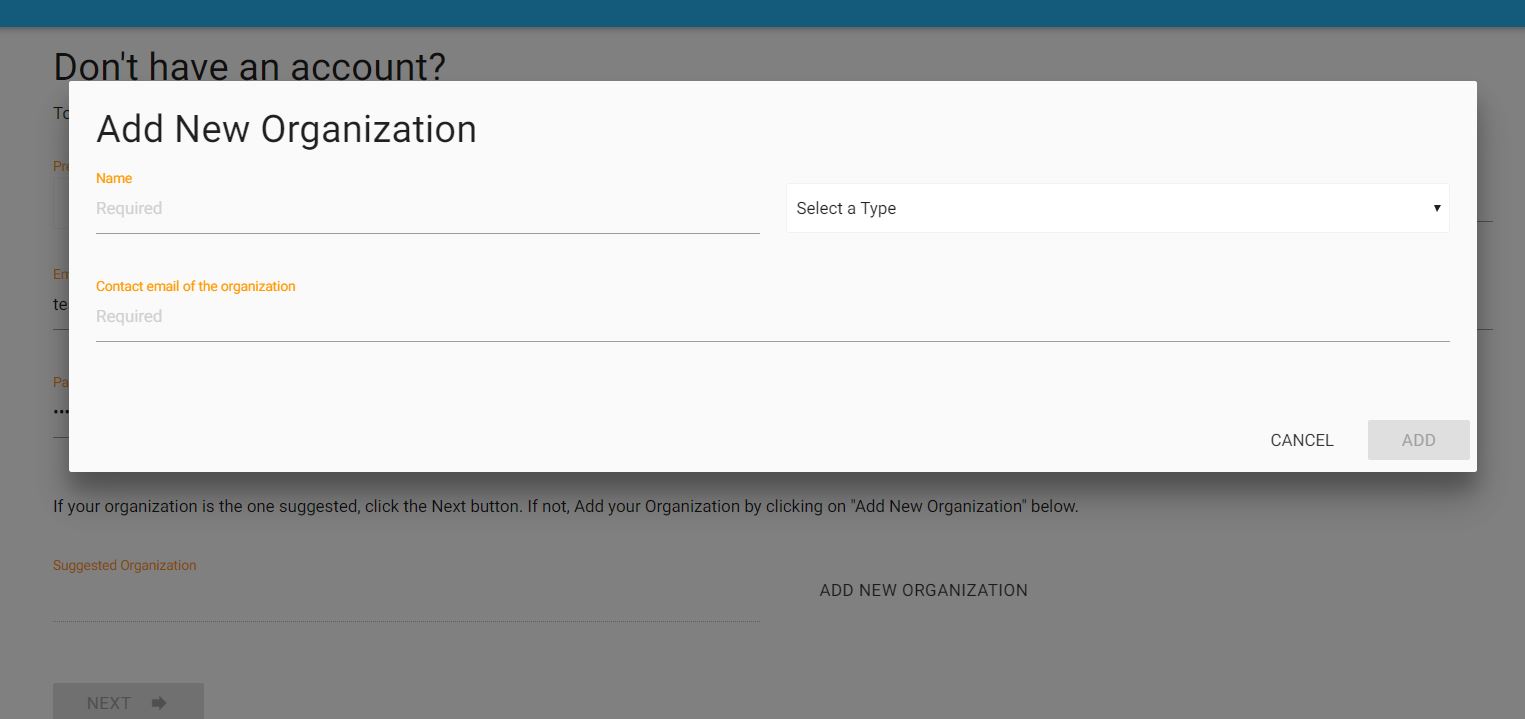
3. Enter your Organization's Name, Select a Type, and Enter Contact Email of the Organization.
NOTE: this should be the contact email for the overall organization and not necessarily the contact email for the person registering.
Also, If you enter a name that already exists in the system, you will be notified about it and presented with a choice of using the existing organization
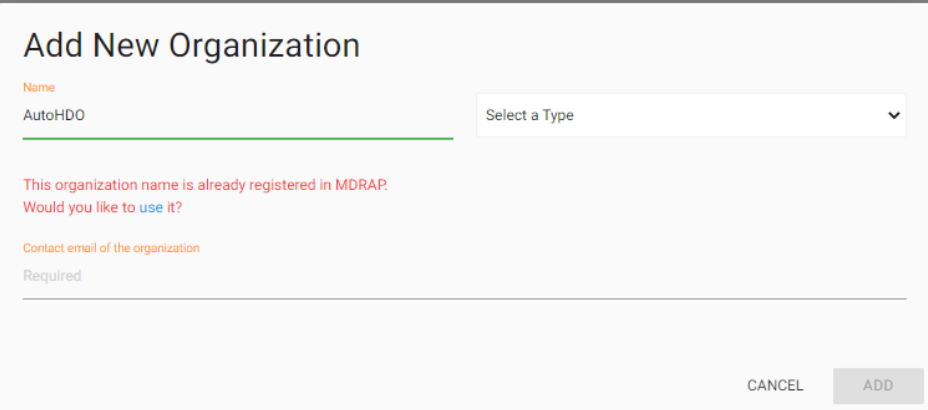
4. Select the type of organization for your company.
-
Academic
-
Demo - Demonstration (MDRAP purposes)
-
Government
-
Healthcare Delivery Organization
-
Manufacturer
-
NGO - Non-Government Organization
-
Purchasing Group
-
Security
5. Click Add to save. Added Organization name will display on Suggested Organization field. Now continue with your registration process.
Note: To understand the registration process, please refer to the article “Register with an existing Organization”
0 Comments