Before logging into the system, you must be registered and approved to access the system. Please NOTE: Enabling Two-Factor Authentication is optional as the second layer of security.
1. Navigate to the MDRAP Welcome page.
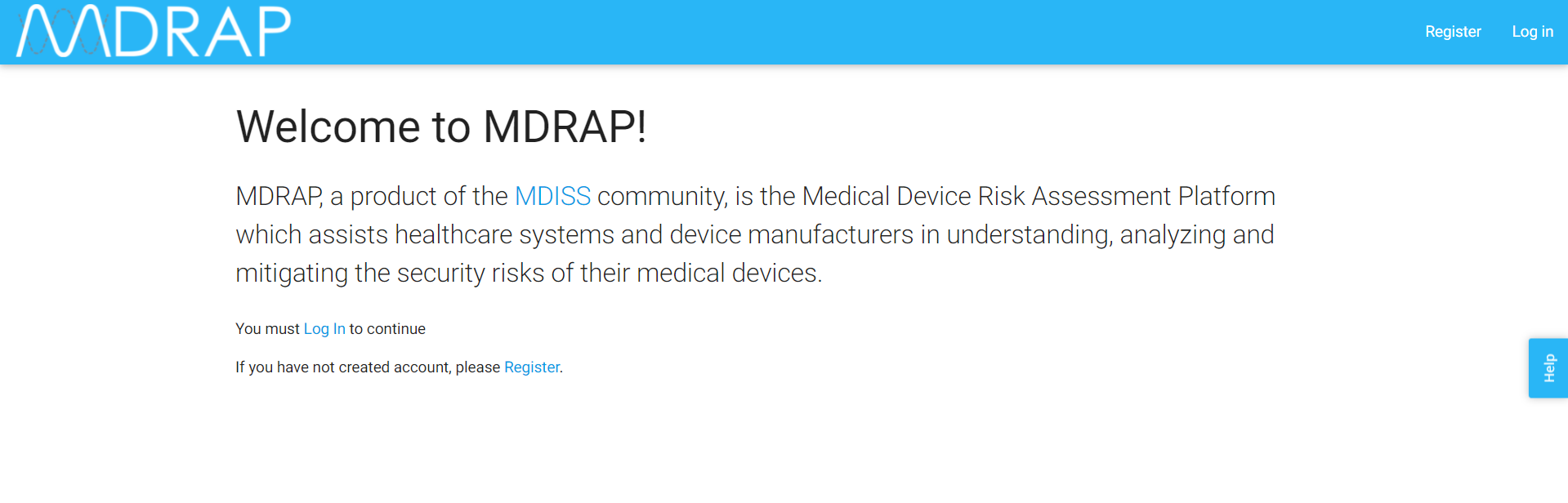
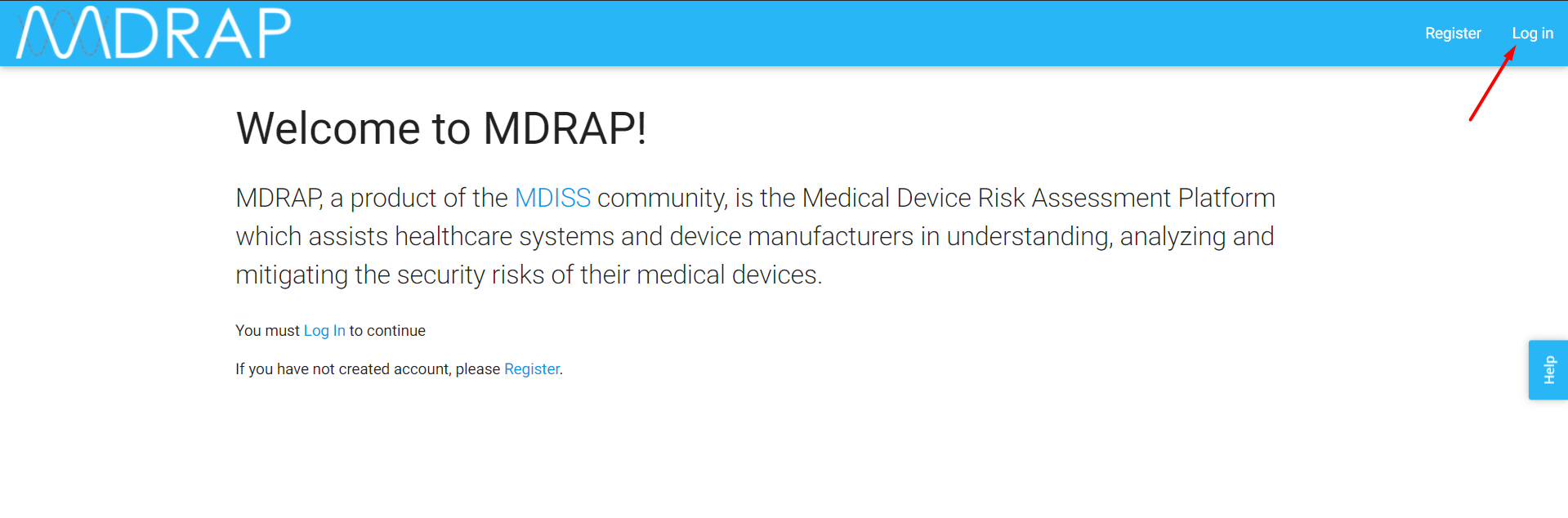
2. Click Log In in the upper right-hand corner or Log In link appeared in Paragraph content to be directed to the Log In screen.
3. Enter the correct email and password and click the Submit button to access the application.
Note: If you check the “Remember Me” checkbox while login, next time when you open the browser and hit the site, you will directly able to access the application, it will skip the login step until you will be logging out by yourself.
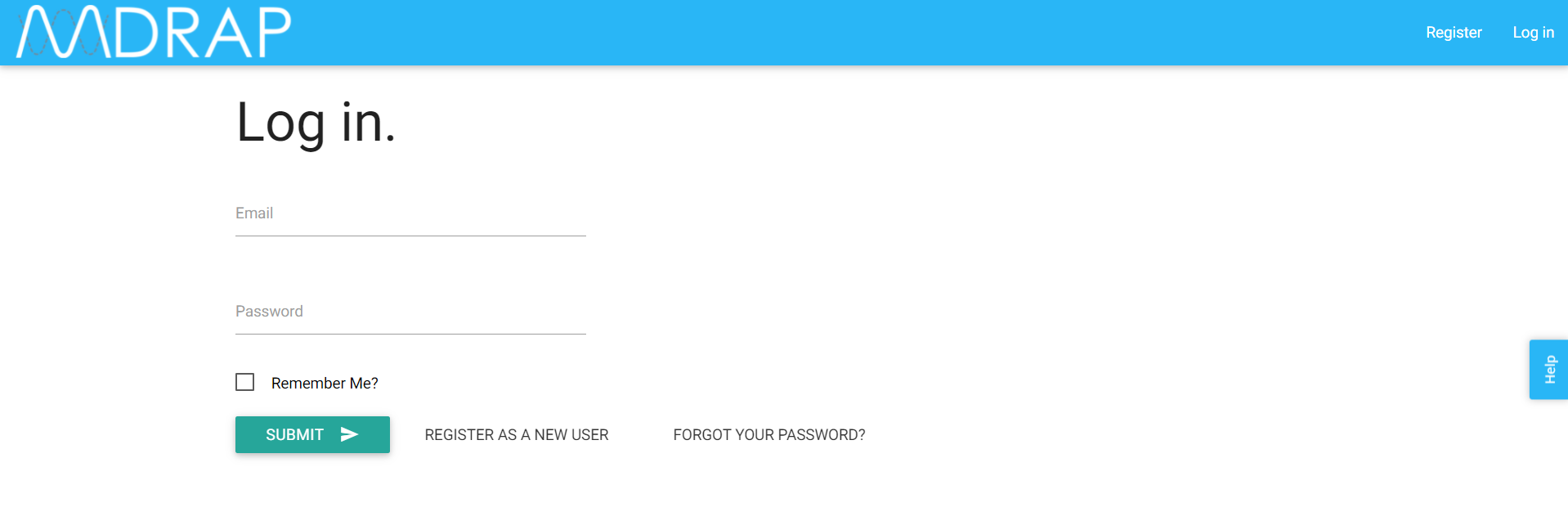
Note: If you have entered the wrong password five times, your account will be locked for 15 minutes. After 15 minutes your account will be unlocked and you can retry logging in. If you do not remember your password please see the article “ Forgot Your Password?” to understand the process to retrieve password.
4. Upon entering the correct login information, the Home Page/Welcome to MDRAP screen is displayed.
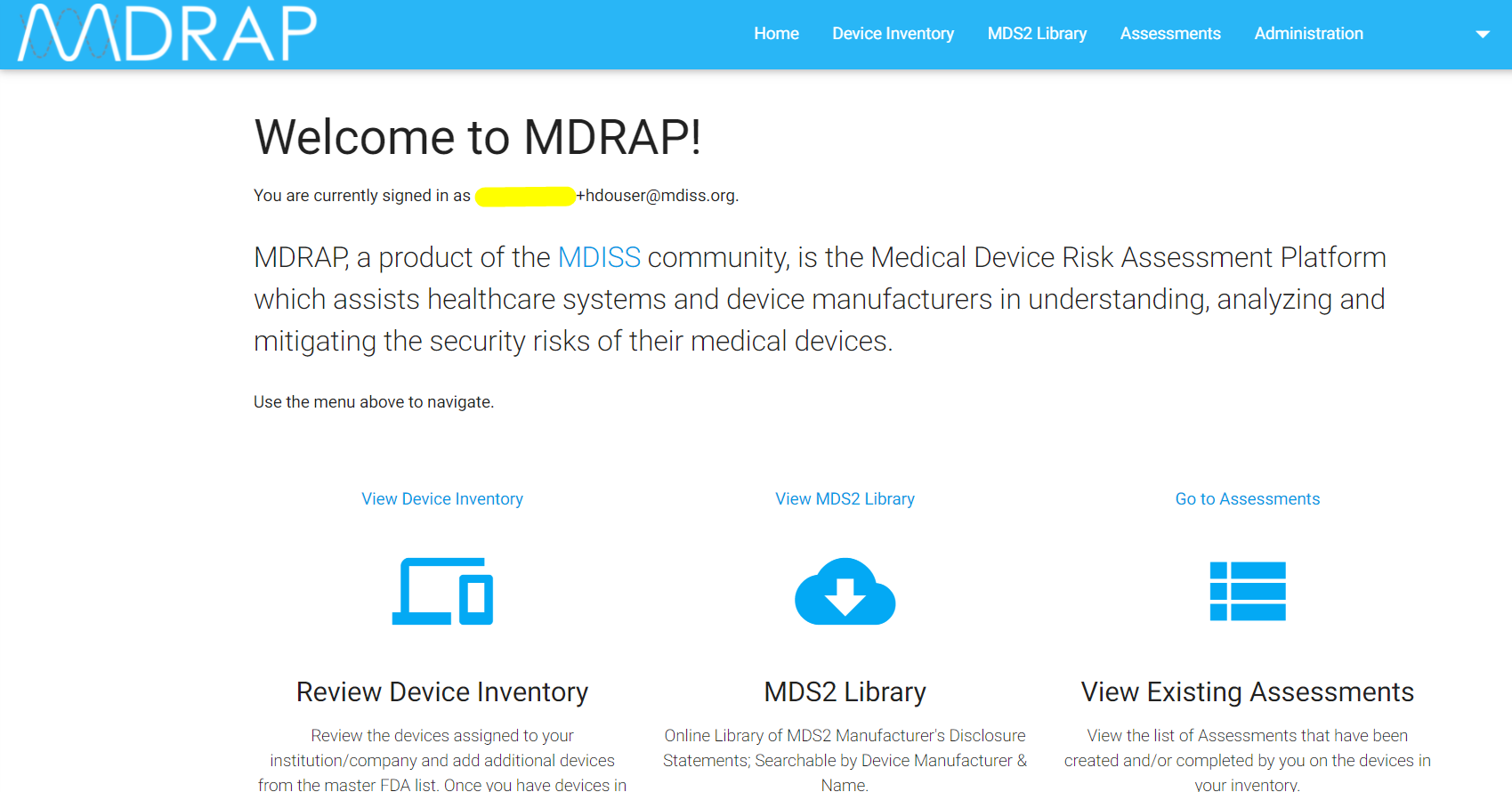
You have successfully logged into the system!
As an MDRAP user, you can begin to execute a number of functions, such as manage your profile, add or update your Organization's Device Inventory, start or continue a Risk Assessment on a Medical Device, or perform essential Administrative activities.
NOTE: If you have enabled Two-Factor Authentication, you will be asked to select to receive your verification code via email or SMS text. Once you receive the code, enter the digits and click submit for the system to validate the code for your profile.
View the Two-Factor Authentication: Setup and Use by Email section for guidance on the steps for setting up verification codes via email, or view the Two-Factor Authentication: Setup and Use by SMS Text section for guidance on the steps for setting up verification codes via SMS text message.
NOTE: If there is no activity for 15 minutes, you will automatically be logged off.
When logging in, if you have entered a wrong password for five times, your account will be locked for 15 minutes.
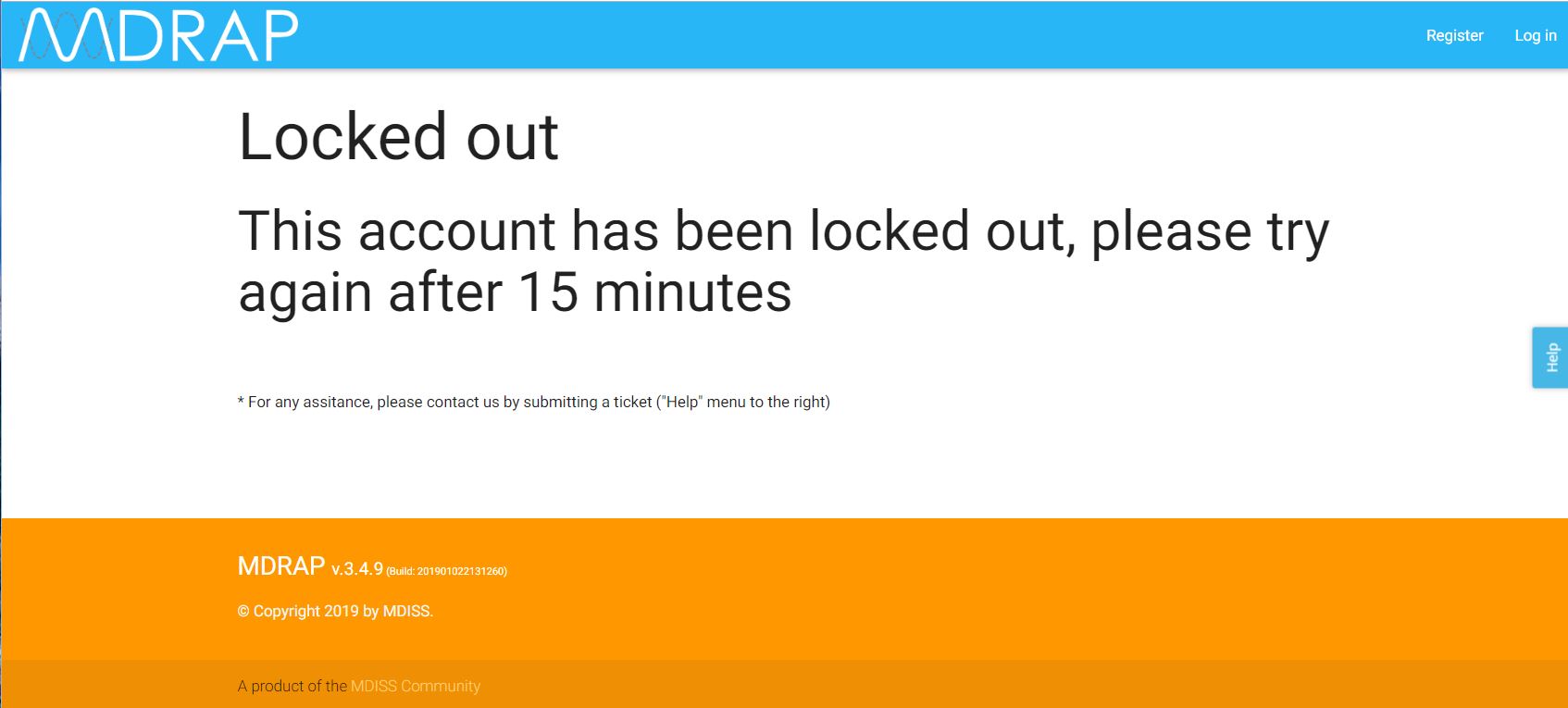
After 15 minutes your account will be unlocked and you can retry logging in. If you do not remember your password go to Forgot Your Password? to retrieve it.
0 Comments